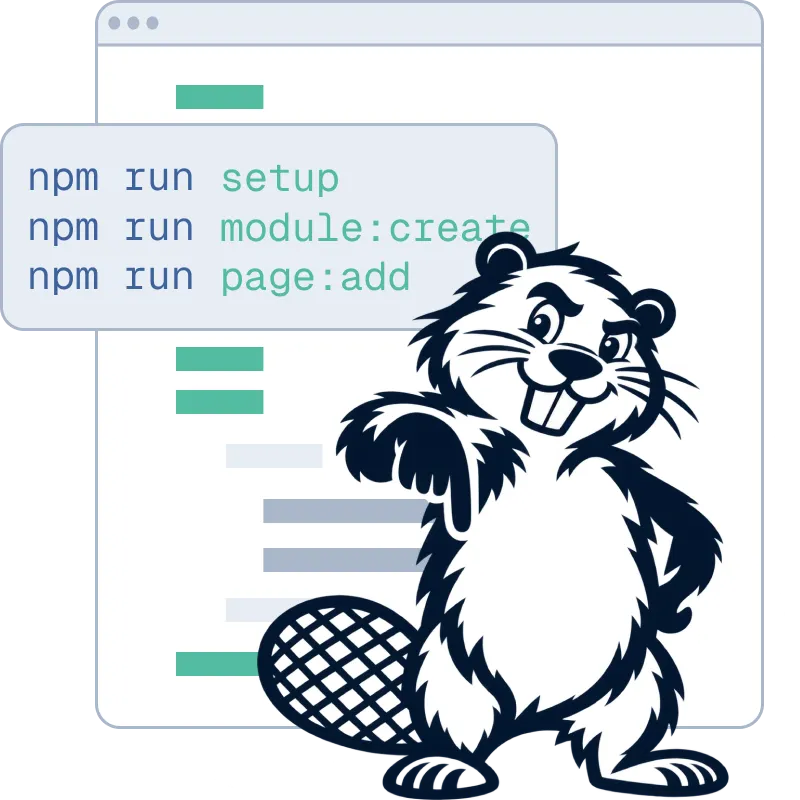
Set up once
Create a repository from the biberblog template, import it in Vercel and add a private Blob store. npm run setup stores your client's password as a hash and asks for a GitHub token limited to this one repository.
biberblog lets clients edit content directly on your static Next.js site — without adding a CMS database, content API or separate admin dashboard.

Two roles, one pipeline: you push code, your client publishes content – both end up as commits on main and are deployed by Vercel.
Create a repository from the biberblog template, import it in Vercel and add a private Blob store. npm run setup stores your client's password as a hash and asks for a GitHub token limited to this one repository.

npm run module:create, page:add-module and module:add-editable-field generate components, schemas and content files and keep the registries in sync.

Write the components with your own markup and styling. Place EditableText, EditableRichtext, EditableImage or EditableCollection exactly where your client should edit – everything else stays code.

Push to main and Vercel deploys a static site. Your client gets the URL and the password – no CMS account, no dashboard.

Click the edit button on the website and enter the password – once per device, the session lasts about a year.

Click a text or image and change it: texts, lists, images with crop, collections and SEO. Every change shows up immediately in the real layout – nothing is saved until it is published.

One click: biberblog checks all changes, converts new images to optimized WEBP files and writes everything – across all edited pages – to GitHub as one commit on main.

The commit triggers a new Vercel deployment. The editor waits for it and reports as soon as the new version is live – usually after 30–60 seconds.
Both paths end the same way: a commit on main → a Vercel deployment → a static website.
On-page editing is not new. Neither is Git-backed content management. biberblog combines both ideas with two deliberate choices.
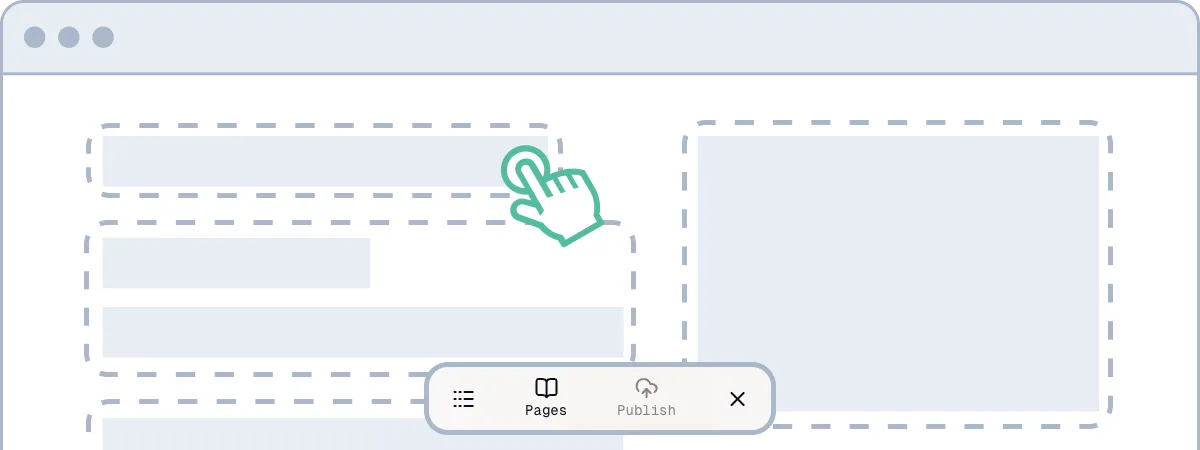
The website itself is the editing interface. Your customer signs in where the content already lives, edits it in context and publishes from there — no separate CMS backend, dashboard or additional service to learn and maintain.
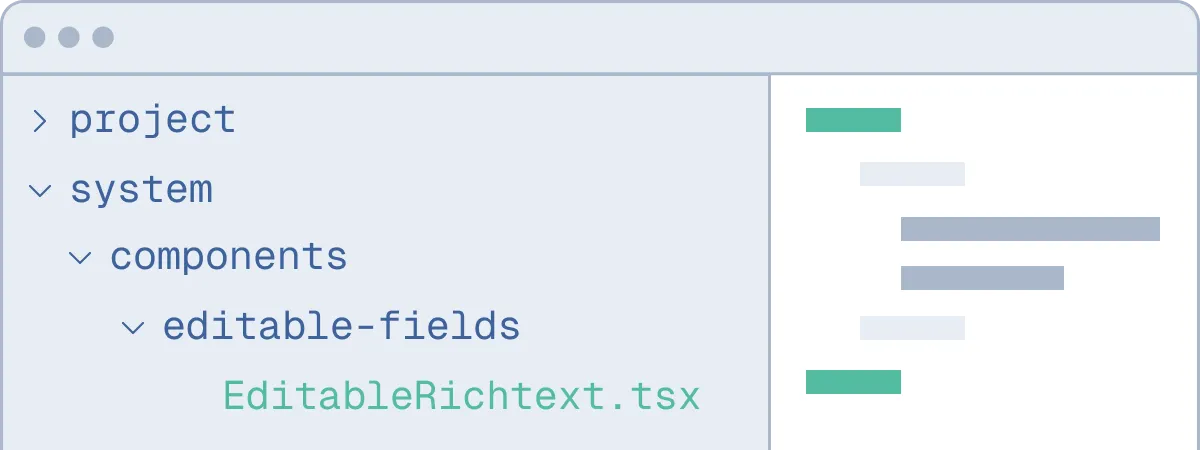
The editor lives in your project under src/system/. Read it, restyle it, modify it, extend it — or leave it alone. Built-in update tooling lets you keep client projects on current biberblog releases while retaining control over project-specific changes.


About the author
Arseny Bobrov is a senior software developer and UX/UI designer with more than 15 years of experience in digital and advertising agencies.
biberblog grew out of a simple idea: clients should be able to update their own websites without having to learn or maintain a traditional CMS. It combines direct on-page editing with the simplicity and performance of a static website.